OneBucket™ Quickstart: From Account to First Working Policy
by Damian Kowalewski
Most teams do not struggle because they lack storage. They struggle because onboarding and control are messy.
Credentials get copied around. Endpoints multiply. Config becomes tribal knowledge. Then the first evaluation stalls before anyone sees real value.
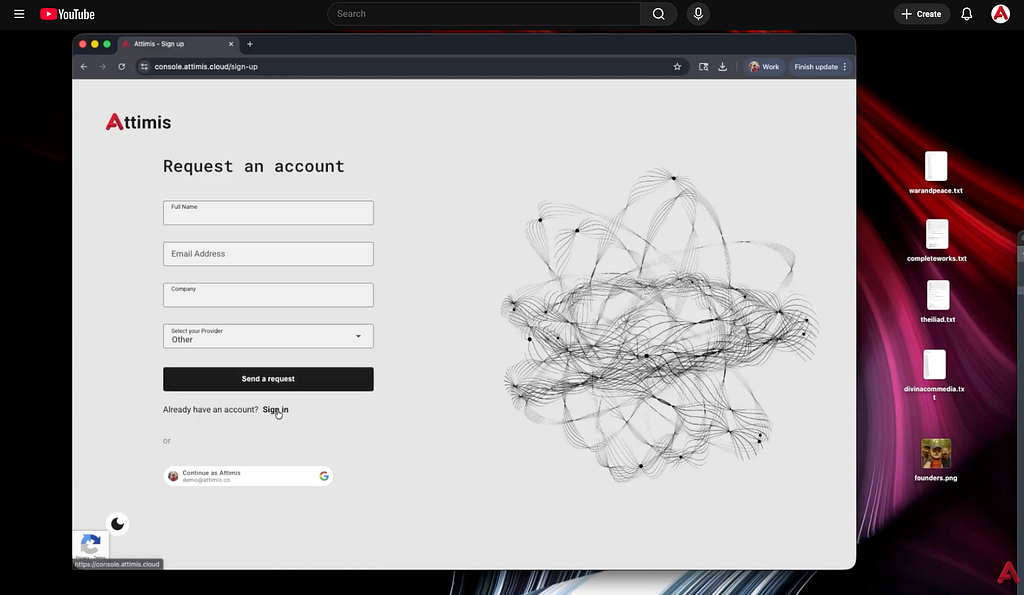
So we made a short video that stays practical and gets you up and running fast https://youtu.be/AocfeAiL-gQ?si=dcNd2oMKx6SoUn5G.
What this video shows
In a few minutes, you will see how to:
- Create a OneBucket™ account
- Log in to the console
- Create your first access key
- Confirm your endpoint
- Create and apply your first working OneBucket™ policy
Why do we start with policy
A unified S3-compatible endpoint is useful. Policy is where OneBucket™ becomes a control layer.
Policy is how you move from:
- one-off setup to repeatable environments
- manual tuning to consistent behavior
- unclear ownership to clear control and visibility
Your first working policy is the moment OneBucket™ stops being a concept and becomes something you can validate end-to-end.
What to do after the quickstart
Once you have it running, the next step is to try it where friction is highest:
- Dev/Test that keeps drifting
- workflows that duplicate the same data across locations
- pipelines that slow down because data is not where the compute is
- teams that need stronger visibility, auditability, and control
If you tell us your environment, we can point you to a starter policy pattern that fits.
Watch the walkthrough
https://youtu.be/AocfeAiL-gQ?si=dcNd2oMKx6SoUn5G
If you want the next video to be more hands-on, reply with what you want to see: caching patterns, replication, governance controls, or a concrete workflow (Databricks, Kubernetes, Snowflake).